How to verify WhatsApp with a virtual number in Nigeria
Using a virtual number for WhatsApp in Nigeria, step by step, plus what happens if no code comes and why the number is gone when WhatsApp asks again.
6 min read
You want WhatsApp on a number that isn't the line your bank texts. Maybe you're selling a phone on a marketplace and you'd rather the buyers didn't keep your personal number afterwards. Maybe a short project needs its own account for a few weeks. A virtual number gets that account through WhatsApp's SMS check.
It gets you through once. The number goes back to the carrier after a short window, and WhatsApp sends a new code to the account's number whenever you set WhatsApp up on another phone. For an account you'll still want in two years, a second SIM in your own name is the right tool and a virtual number is the wrong one.
WhatsApp also has its own terms on who can register and how accounts get used. Reading them for what you have in mind is on you, and numbers bought here for fraud get the account suspended.
Pick the country before you pay
You choose two things on Awbit, the app you're verifying and the country the number comes from. The naira price for that pair shows before you confirm. It changes from country to country because carrier costs differ, and busy services like WhatsApp and Telegram are priced differently from niche ones.
Then think about who will see the number. In an ordinary chat the other person sees your number with its country code. A buyer in Ibadan who gets a message from a +44 number will wonder why somebody in London is selling him a fridge in Bodija. If customers or family will see it, a Nigerian +234 number raises fewer questions. If nobody will, take whatever is in stock at a price you like.
Stock moves through the day as carriers release and withdraw numbers, and the list you see at 9am won't match the one at 9pm. If WhatsApp has nothing in the country you wanted, try a nearby one or look again in a few minutes.
From wallet to chat list
- Create an account with your email and confirm the 6-digit code we send you.
- Top up your wallet in naira.
- Open Virtual numbers in your dashboard, search for WhatsApp, pick a country from what's in stock and confirm the price. The number appears straight away, with a countdown showing how long it lasts.
- Open WhatsApp on the phone you'll use and choose the same country in its country list. Type the rest of the number without the country code, because WhatsApp adds that from the country you picked.
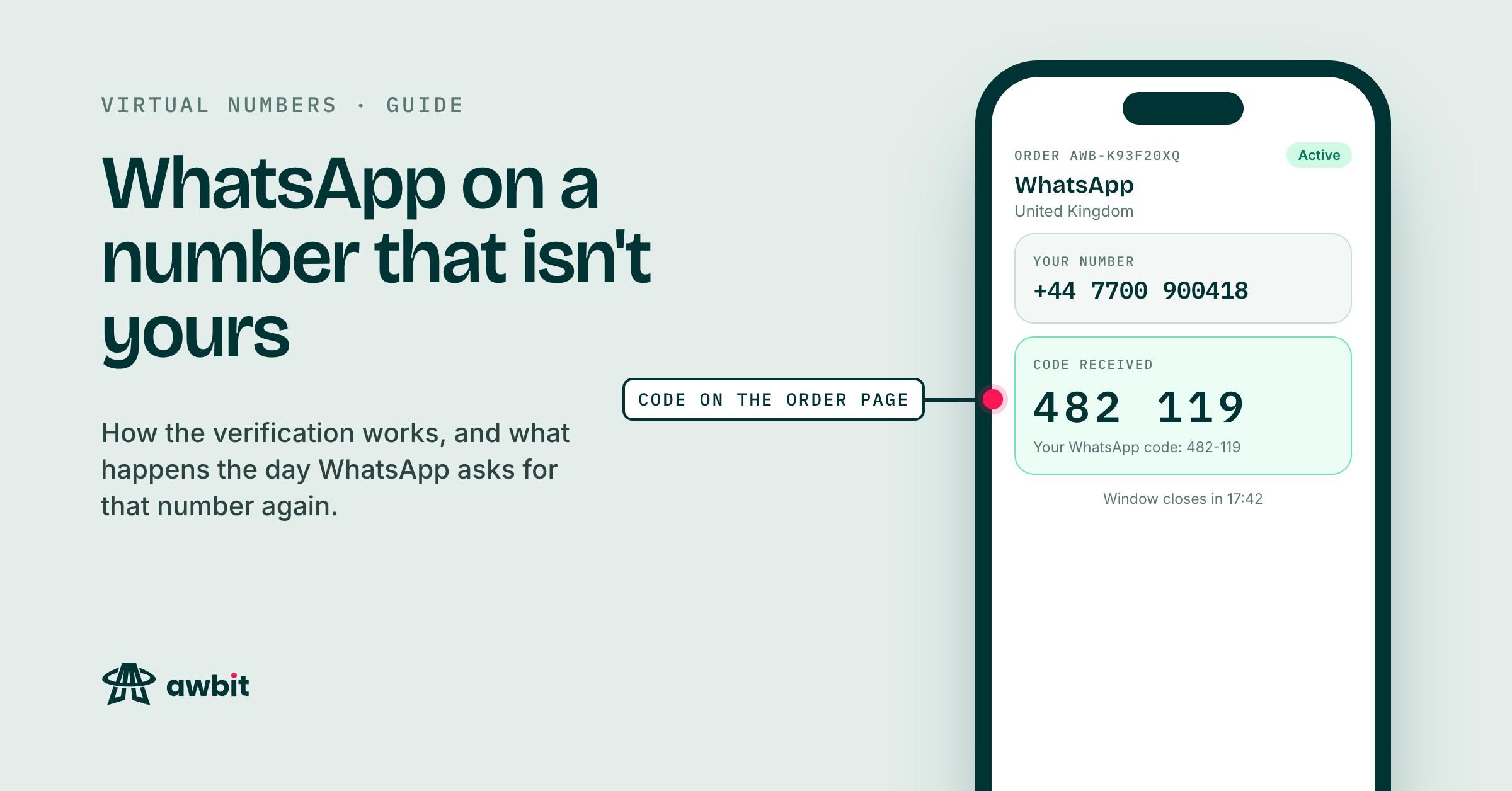
- Once WhatsApp says it has sent an SMS, go back to the order page. The message appears under the number without a refresh. If you'd rather not stare at the tab, turn on the sound alert or the browser notification before you start.
- Type the 6-digit code into WhatsApp and set your name. Before you do anything else in the app, turn on two-step verification.
If WhatsApp offers to call you with the code, stay with SMS. Awbit numbers are sold for SMS verification, and the order page lists the text messages the number receives.
When no code comes
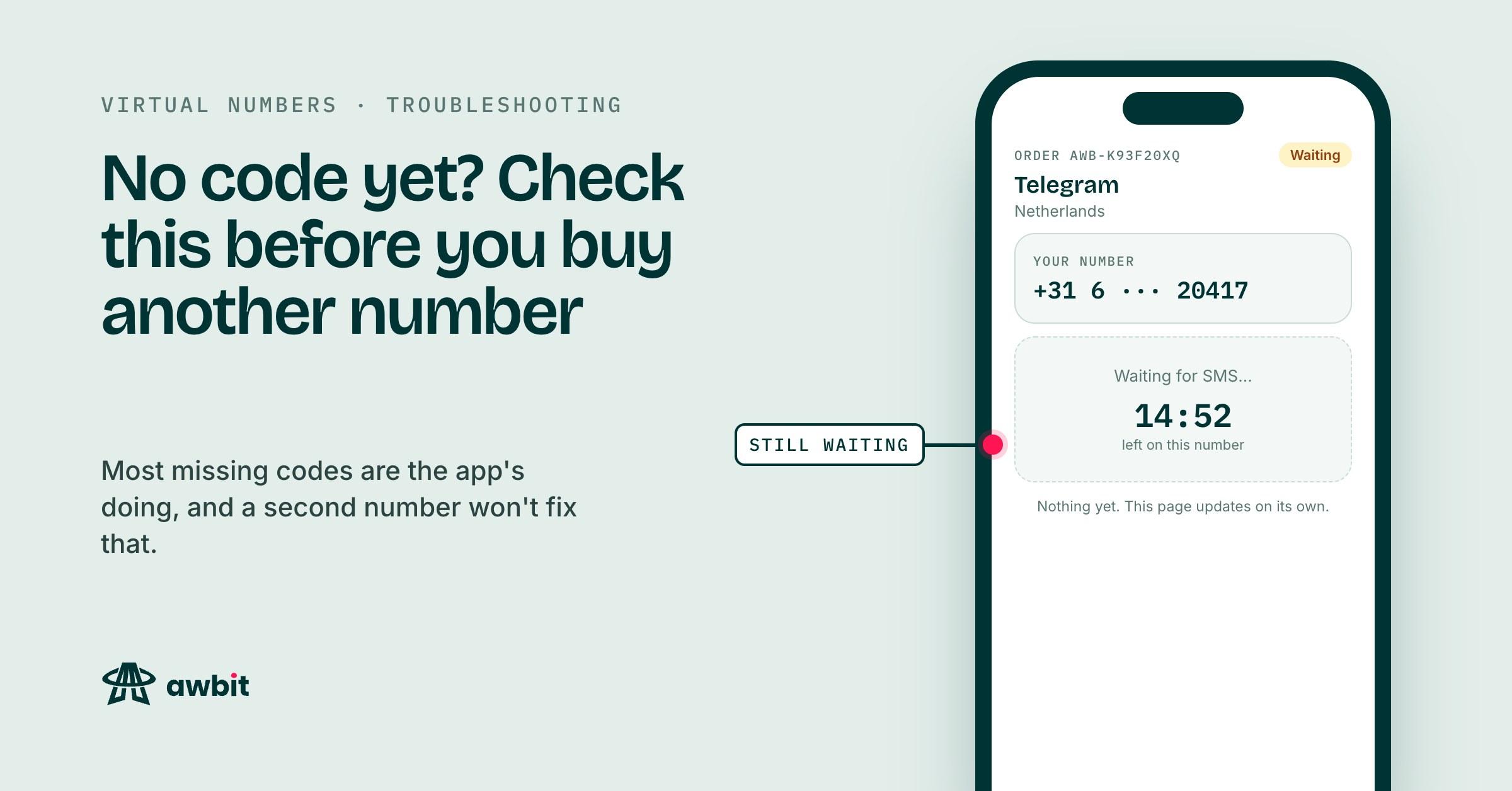
Start with WhatsApp's screen. It tells you which number the code went to. One wrong digit, or a country code typed twice, and the code went to a stranger. Go back in WhatsApp and fix the number. Your order on Awbit is still open and still counting down.
If the number is right, let WhatsApp's own timer finish before you ask for another code. There's no resend button on Awbit. The resend lives inside WhatsApp, and every SMS the number receives while its window is open shows on the order page. Asking WhatsApp over and over tends to stretch its wait before it will send again.
If the countdown reaches zero with nothing received, we cancel the number upstream and the charge goes back to your wallet, with the order number on the entry in your transaction history. Once in a while the carrier rejects our cancel and that reversal can't happen on its own. The order sits at expired until someone here settles it by hand, and we email you when it's done. If you'd rather not wait on that, write to support@awbit.io with the order number. You can also cancel the order yourself at any point before a code arrives. The full amount goes back, and you can try a different country. If the supplier won't release the number, the cancel fails and the order runs on to the end of its countdown instead.
A code that arrives is final. Once it lands on the order, the order is complete and isn't refundable, whatever WhatsApp does with the account afterwards. The refund policy lists both rules.
This number won't be yours in a year
When the window on an Awbit number closes, the number goes back to the carrier. We don't rent numbers by the day or week. You also buy by app and country, never a particular number, so there's no buying the same one back later.
WhatsApp ignores all of that until it wants to check you again. Set WhatsApp up on a new phone, or reinstall it on the old one, and it sends a fresh code to the account's number. That code goes to a number you no longer control, possibly one the carrier has given to somebody else. Without it, you're locked out.
Four things soften this. None of them fixes it.
What two-step verification protects
Turn it on under Settings > Account > Two-step verification, and add an email address so you can reset the 6-digit PIN if you forget it. From then on, WhatsApp asks for that PIN after the SMS code whenever the number is registered on a phone.
That protects you from whoever holds the number after you. The SMS code alone won't get them in, and without your PIN or your email, WhatsApp makes them wait seven days before it lets them reset it. It does nothing to get you back in. WhatsApp asks for the code before it asks for the PIN, and you won't have the code.
Backups
Settings > Chats > Chat backup copies your chats to Google Drive on Android or iCloud on an iPhone. A backup restores only onto the phone number it was made from. On a virtual-number account it keeps your history while the account stays on this phone, and stops helping the day you change phones. For any conversation you'd hate to lose, use Export chat and keep the file somewhere you control.
Email as a fallback
Settings > Account > Email address attaches an email to the account. On some phones and app versions, WhatsApp offers that email as another way to get a login code when SMS can't reach you. WhatsApp decides when to offer it, and we wouldn't bet an account on it appearing.
Moving the account to a SIM you own
If the account turns out to matter more than you planned, move it while you're still logged in. Settings > Account > Change number moves the account and its groups to a new number. The new number has to receive WhatsApp's code. The old one only has to be the number WhatsApp is registered with on that phone, and it doesn't need to receive anything. Do it before you change phones, because once you're logged out there's no account left on the phone to move.
For the account your customers message, or the one your family group lives on, start on a number you own. A second SIM costs a trip to a network store and a NIN registration, and it stays yours while you keep it in use.