Does my phone support eSIM? How to check before you travel
Does my phone support eSIM? Check the model, find the eSIM setting on iPhone and Android, and make sure the phone isn't carrier-locked before you buy a plan.
5 min read
Two things have to be true about your phone before a travel eSIM will work on it. It needs eSIM hardware, and it can't be locked to a carrier. The first depends on the model. The second depends on where the phone was bought and how, and it's the one that catches people out with UK-used and US-used iPhones. Both take a few minutes to check.
Phones that have it
| Phone | eSIM | Watch for |
|---|---|---|
| iPhone | XR, XS, XS Max and every model since, including the second-generation SE onward | Most iPhones sold in mainland China use two physical SIM slots in place of eSIM, and so do some Hong Kong and Macao models |
| Google Pixel | Pixel 3 and later | Running your Nigerian SIM and an eSIM at the same time needs a Pixel 3a or later |
| Samsung Galaxy | S20 and later, plus the Z Fold and Z Flip phones | Some A-series models have it too, such as the A54 and A55. Samsung says availability varies by region and carrier, and one model name can ship with eSIM in Europe and without it elsewhere |
| Other Android brands | Varies by model and by market | Trust the settings check below over any list, this one included |
One iPhone case cuts the other way. An iPhone 14 or later bought in the US has no SIM tray at all. The travel eSIM installs fine, but your Nigerian line has to become an eSIM too before that phone can use it. MTN and Airtel both issue eSIMs at their service centres, and iPhone 13 and later can keep two eSIMs active at once.
Check the settings yourself
A model list tells you what the phone should have, and the settings tell you what yours has.
iPhone
Open the Phone app and dial *#06#. If the screen shows a line labelled EID with a long number beside it, the phone has an eSIM chip. The same EID appears under Settings > General > About.
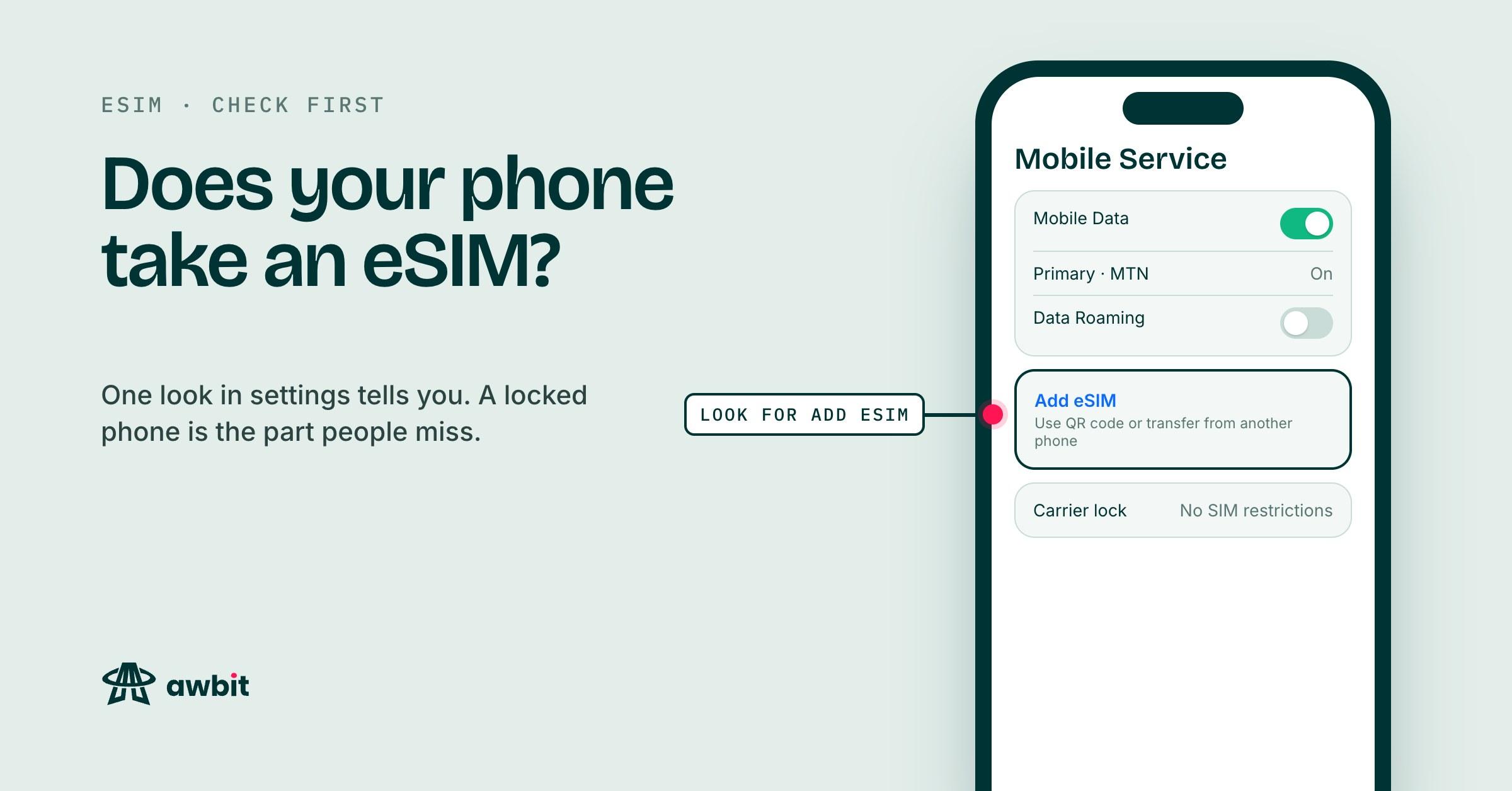
Then open Settings > Cellular (Mobile Service on some UK English phones). An Add eSIM option there means the phone is ready to take one.
On Android
The EID usually sits under Settings > About phone. On a Samsung, look in the Status section of About phone. If there's no EID anywhere, the phone has no eSIM.
The add-a-plan option is the second check. On a Samsung it's Settings > Connections > SIM manager, where you should see Add eSIM (older versions call the screen SIM card manager and the button Add mobile plan). On a Pixel, go to Settings > Network & internet > SIMs and tap Add SIM. If the next screen offers to download a SIM, the phone has eSIM. On any other brand, type "eSIM" into the search bar at the top of Settings.
Is it locked to a carrier?
Phones sold on contract in the US and the UK often come locked to the network that sold them, and they stay locked until that network lifts it. Plenty of those phones end up for sale in Lagos. A locked phone only accepts SIMs and eSIMs from its own network. A travel eSIM comes from a different network, and the lock rejects it.
On iPhone, open Settings > General > About and find Carrier Lock. No SIM Restrictions means you're clear. Anything else means the phone is locked.
Android has no single screen for this across brands. The test that works is to borrow a SIM from a different Nigerian network than yours and put it in. If the phone asks for a network unlock PIN, or says the SIM isn't supported, it's locked.
A thin chip under your Nigerian SIM gives it away
Some locked iPhones are sold here with a thin chip that sits in the tray between the SIM and the phone, usually called an R-SIM or a turbo SIM. It tricks the phone into accepting a Nigerian SIM. The phone is still locked. The chip only works on the physical SIM it's attached to, and an eSIM never touches it. If your phone needs one of those chips to work in Nigeria, assume a travel eSIM will not install, and read the Carrier Lock line to confirm it.
Only the network a phone is locked to can lift the lock for good. Paid services that claim to lift it advertise on the same timelines as everything else, and with those you're trusting a stranger with your money and your phone's IMEI.
Buying a plan once it passes
If the phone shows an EID, offers Add eSIM and isn't locked, pick a destination or region and a data size on the eSIM page. You pay from your naira wallet, and the QR code shows on your order page with install steps for iPhone and Android. Install it at home on Wi-Fi. On most plans the clock starts when the eSIM first connects at your destination, and each plan's page states its exact validity rules. A few plans block hotspot, and those say so before you buy.
If the answer is no
An eSIM from Awbit won't work on that phone, and neither will one from anyone else. Don't buy one in the hope that it goes through.
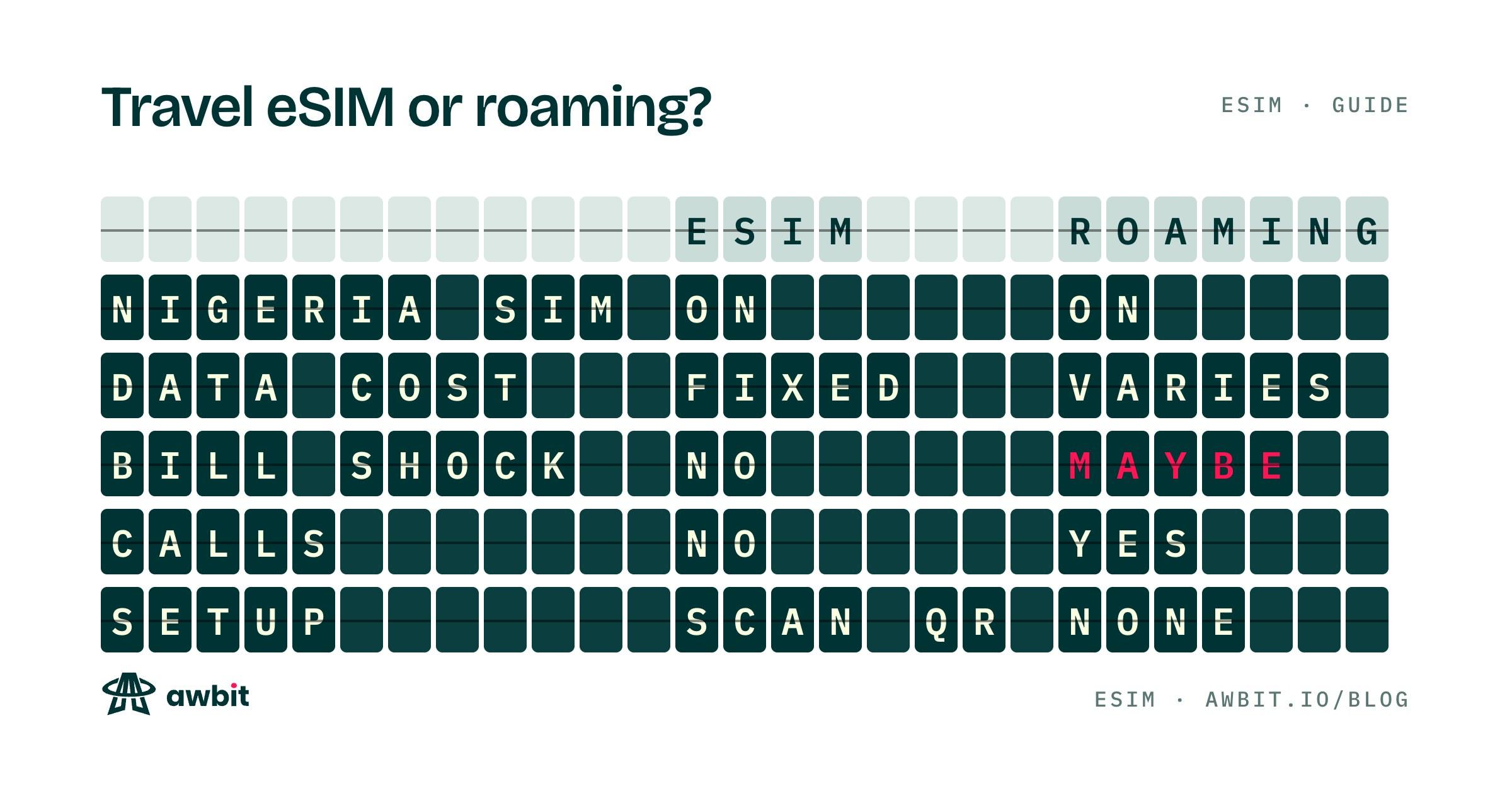
For this trip you have two choices that do work. A roaming bundle from your Nigerian network keeps your own number and needs no setup, and you pay your network's roaming rates. A local SIM bought after you land gives you a local number and local prices, and in many countries you need your passport to register it.
For the next trip, the fix is the next phone. Before you pay for one, used or new, dial *#06# and look for the EID, then read the Carrier Lock line in Settings > General > About. Do both in the shop, while the money is still in your account.