How to fund an Apple ID from Nigeria without a dollar card
How to fund an Apple ID from Nigeria without a dollar card. Why the gift card's region must match your account, what a region change costs, and how to redeem.
4 min read
The App Store has declined your naira card again, or you'd rather that card never went near a foreign checkout. An Apple gift card gets you round it. It only works when the card was issued for the same country your Apple account is set to. (Apple now calls the Apple ID an Apple Account. Same login, same thing.)
Which country is your account in?
On iPhone, open Settings, tap your name, then Media & Purchases, then View Account. Sign in if it asks. The Country/Region line is the one that matters. On the web, sign in at account.apple.com and look under Personal Information.
If it says United States or United Kingdom, skip ahead to picking the card. If it says Nigeria, read the next section before you buy anything.
A US card won't load a Nigeria account
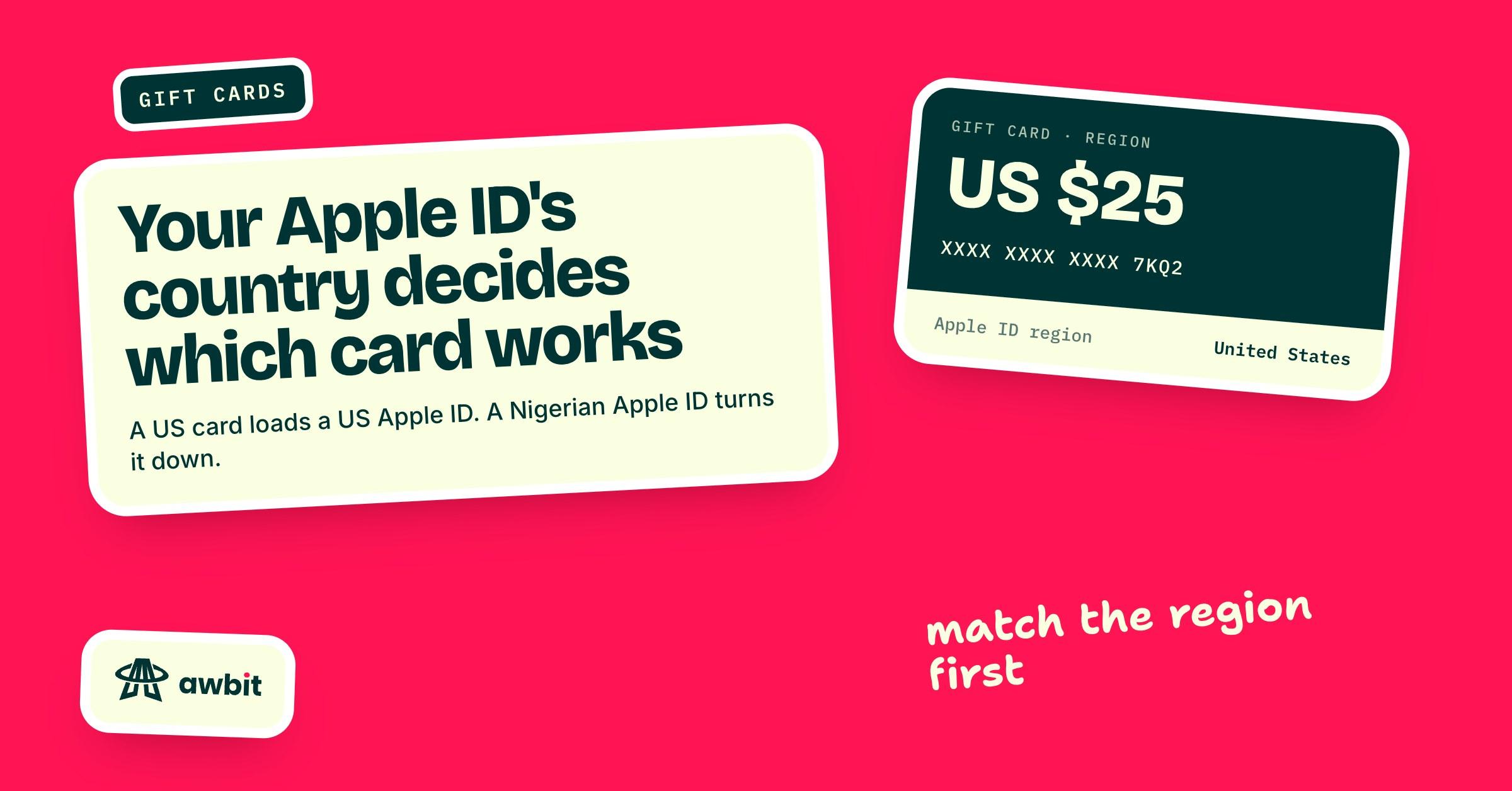
Apple gift cards redeem only in the country or region where they were bought. Try a US card on a Nigeria-region account and the App Store tells you the code has to be redeemed in a different storefront. The code is still good on a US account. It won't go on yours.
Apple's page of payment methods by country shows the same thing. For Nigeria, it lists credit and debit cards and an account balance "from adding funds". For the United States, the balance can also come from redeeming an Apple Gift Card. A Nigeria-region account has no gift card route at all.
So if your account says Nigeria and you want it to stay that way, a gift card from Awbit won't help you. Apple accepts most credit and debit cards for Nigeria. If your naira card goes through on your account, that's the shorter road, and you don't need us for it.
What Apple asks before a region change
To use a US or UK card, the account has to be in the US or UK store. You change it on the same Country/Region screen, and Apple wants these sorted before it lets the change through:
- Your existing balance is spent. If it's less than the price of a single item, Apple Support has to clear it for you.
- Subscriptions that block the change are cancelled, and each one has run to the end of its billing period. That includes iCloud+. Cancel it and your storage drops to the free 5 GB, and a backup bigger than that stops fitting.
- Pre-orders, rentals, Season Passes and any pending refunds have finished.
- You may need a valid payment method for the new country. Apple's advice, if you don't want to enter one, is to wait until you're physically there.
If you're in a Family Sharing group, you may have to leave it first. Some content you've already bought may not be available in the new store, and Apple suggests downloading what you want to keep onto your devices first.
Apple's media terms describe the store as being for use in your country of residence. A Lagos account moved to the US store sits outside that, and so does skipping the payment-method step from Lagos. People do it anyway. The risk sits with the account holder.
A second account for purchases only
There's another arrangement that keeps your main account untouched. iPhone lets the App Store use a different Apple Account from the one iCloud uses, and Apple's support pages describe that setup. Your photos and backups stay on the main account. The second account, set to the US or UK, only buys apps and subscriptions.
To switch, go to Settings, tap your name, then Media & Purchases, and sign out there. Then sign in with the other account. Sign out under Media & Purchases only. Signing out at the bottom of the main account screen takes your whole Apple Account off the phone.
This has two catches. Apps bought with the second account belong to it, and Apple warns that deleting that account loses you access to them. Creating the account in the first place runs into the same payment-method question as a region change.
Picking the card
Match the card's country to the account's country. A US account takes a US card, and a UK account takes a UK card. Every product in Awbit's Gift cards catalogue says which region its card is for. Pick Apple / iTunes, then the region, and each denomination shows its naira price before you choose one. You pay from your naira wallet.
Buy what covers the thing you're paying for. Apple doesn't pay a balance out as cash, except where the law requires it. The balance pays for apps and in-app purchases, and for Apple Music and iCloud+. Some purchases still want a card on file, and some subscriptions can't be charged to the balance at all. Apple's own page on what the balance covers lists them.
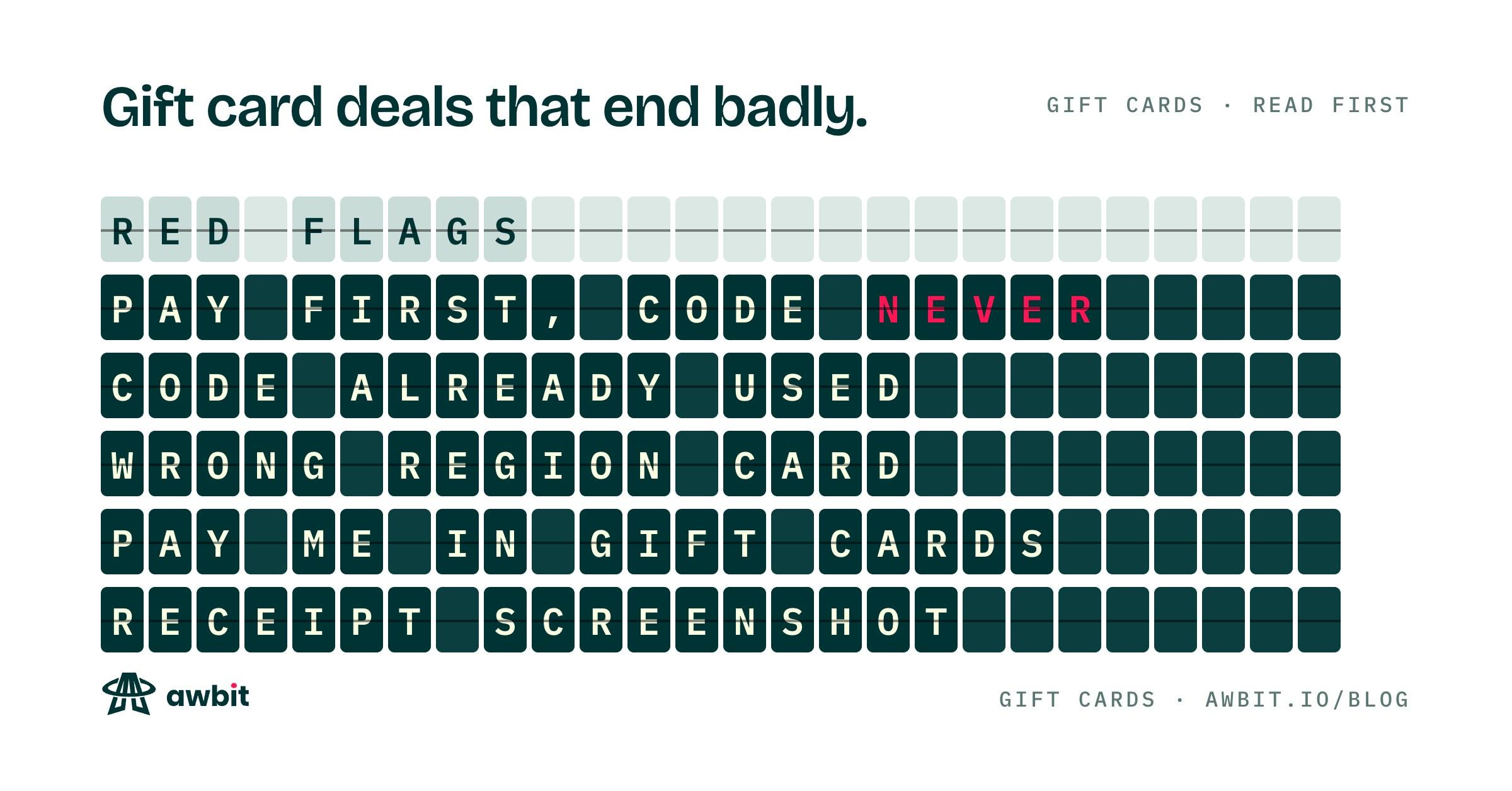
Check the region and the value before you pay. Once you reveal the code it can't be returned, which is the issuer's rule everywhere, and a code for the wrong country stays a code for the wrong country.
Redeem it from the App Store
On Awbit the code, and the PIN if the card has one, sits on your order page behind a copy button. It stays in your order history if you close the tab before redeeming.
On iPhone, open the App Store and tap your profile picture at the top right. Tap Redeem Gift Card or Code, choose to enter the code yourself, and paste it in. On a Mac, open the App Store, click your name at the bottom of the sidebar, then Redeem Gift Card.
The balance shows under your name once it lands. If the App Store says the code belongs to another country or region, the card and the account don't match. Before you buy another card, compare the Country/Region line on your account with the region printed on your order.